TECH AMAN
Back to Blog
May 25, 2026

How to Pay Credit Card Bill Using QR Code (Fast & Easy)

Learn how to quickly pay your credit card bill using a QR code via Axis Bill Pe Setu. Follow our simple steps to scan, pay, and clear your dues instantly!
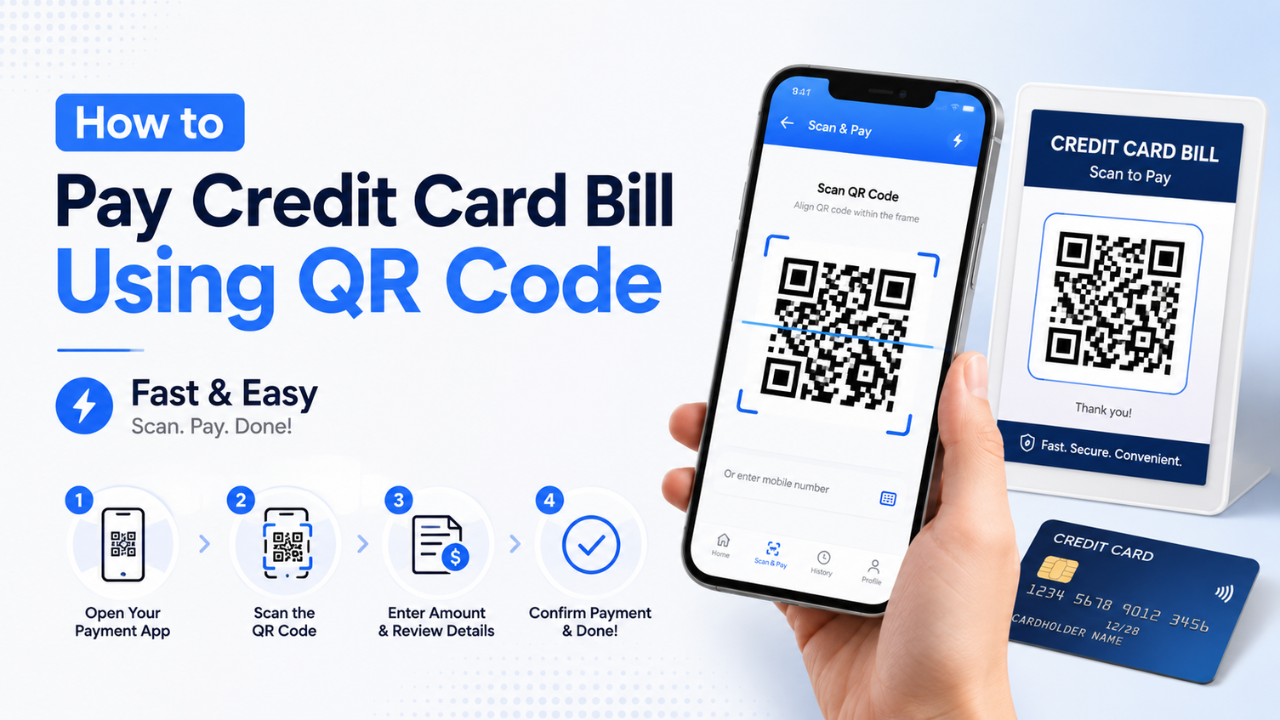
How to Pay Credit Card Bill Using QR Code (Fast & Easy)

Exclusive Guide: Pay Your Credit Card Bill via QR Code

A Fast, Secure, and Smart Payment Solution

Tired of entering tedious bank details for every payment? Scanning a QR code is the modern savings hack and shortcut you need. Follow these simple steps for a seamless experience.

🌐 Step 1: Visit Axis Bill Pe Setu

Open your browser and navigate to the Axis Bill Pe Setu Portal.
Note: Desktop Site is required for this to work perfectly.

💳 Step 2: Go to the Credit Card Section

Once on the homepage, look for the services menu and select the Credit Card bill payment section.

✍️ Step 3: Enter Your Details

Input your registered Mobile Number and the Last 4 Digits of the credit card you want to pay off.

🔐 Step 4: Verify with OTP

You will receive an OTP on your entered mobile number. Use it to securely log in to the portal.

💰 Step 5: Enter the Amount

Put in the exact amount you wish to pay towards your bill (for example, ₹1001).

🔲 Step 6: Generate the QR Code

Click on the proceed button to instantly generate a unique, dynamic QR Code for your specific transaction.

📱 Step 7: Open Any UPI App

Grab your smartphone and open your preferred UPI scanner app (like GPay, PhonePe, Paytm, etc.).

📸 Step 8: Scan & Pay

Use the app's scanner to read the QR code on your desktop screen. Confirm the details and authorize the payment.

✅ Payment Successful!

By using a QR code, you eliminate the risk of typing incorrect bank details. Your credit card bill is processed instantly, securely, and completely error-free!

Join Our Community

Get the latest finance updates, guides, and exclusive content straight to your phone!

🚀 Join TECH AMAN

More to Read

Other posts you might find useful.