May 15, 2026
How to Remove Saved Cards from Razorpay: A Step-by-Step Guide
Worried about your card details being saved online? Here is a quick guide on how to delete saved cards from Razorpay using their official management portal in just a few clicks.
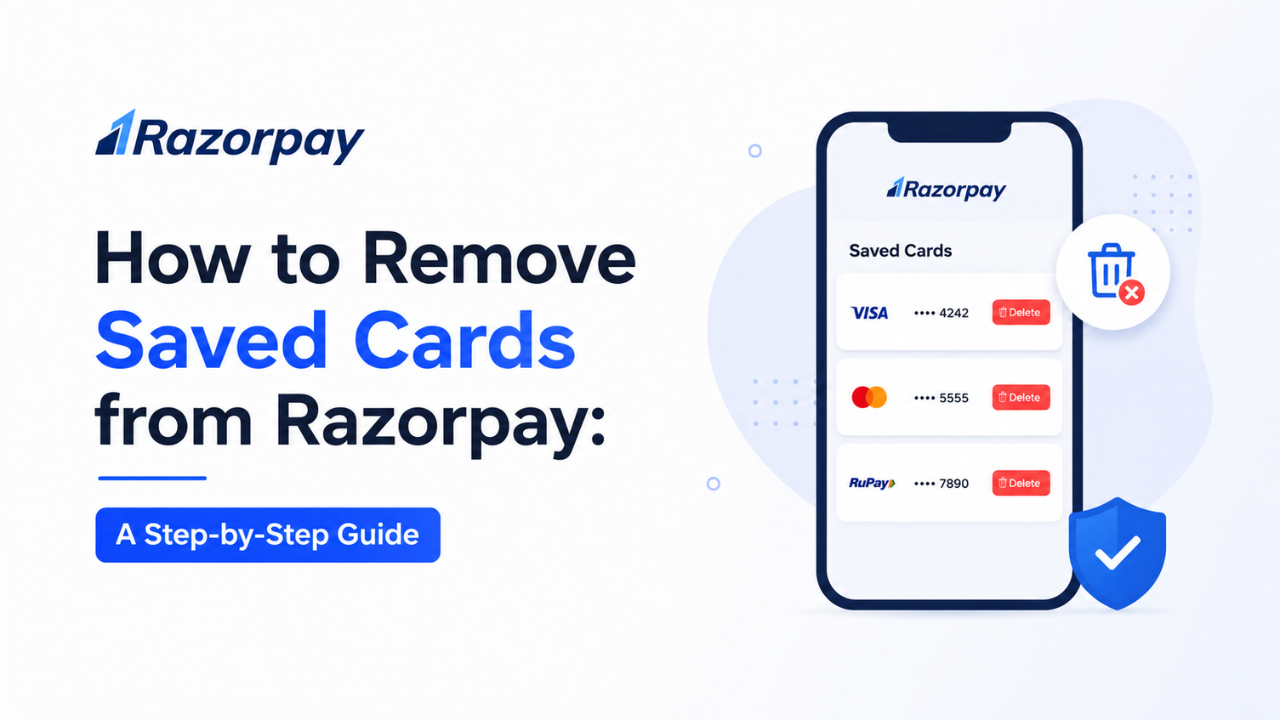
How to Remove Saved Cards from Razorpay
Secure your online payments by managing your saved card details & tokens.
In today's digital world, we often save our credit and debit card details on various payment gateways for faster checkouts. However, for security reasons or when switching banks, it's essential to know how to wipe that data. Razorpay, India's leading payment gateway, provides a very simple way to manage this.
Step-by-Step Guide to Delete Saved Cards
- Visit the Official Portal: Go to the official Razorpay Flash Checkout management link: razorpay.com/flashcheckout/manage/
- Login via OTP: Enter your registered mobile number (the one you use for online shopping). You will receive an OTP. Enter it to log in securely.
- Select Your Card: On the dashboard, you will see a list of your saved cards (e.g., Kotak, HDFC, ICICI). Click on the card you want to remove.
- Identify the Merchants: On the right side, you will see a list of websites or apps (like Poshvine, Swiggy, etc.) where your card is saved.
- Delete/Remove: You can either select specific merchants or click 'Select All' and hit the Delete button to remove your card details permanently from those platforms.
Why should you do this?
- ✅ Enhanced Security: Minimizes the risk of unauthorized transactions if a merchant's database is compromised.
- ✅ Privacy Control: You decide which apps have access to your payment tokens.
- ✅ Clean Dashboard: Removes expired or old cards that you no longer use.
Note: Since the RBI Tokenisation rules, Razorpay saves a secure "Token" instead of your actual 16-digit card number, making it significantly safer than before.
For more tech updates and exclusive deals, join us here:
Stay Updated with TechAman