SBI Debit Card Savings Hack: Earn Flat 20% Cashback on Tap & Pay
Discover how to earn a flat 20% cashback on your everyday spends using your SBI Debit Card. Read our exclusive guide to maximize your reward points easily.
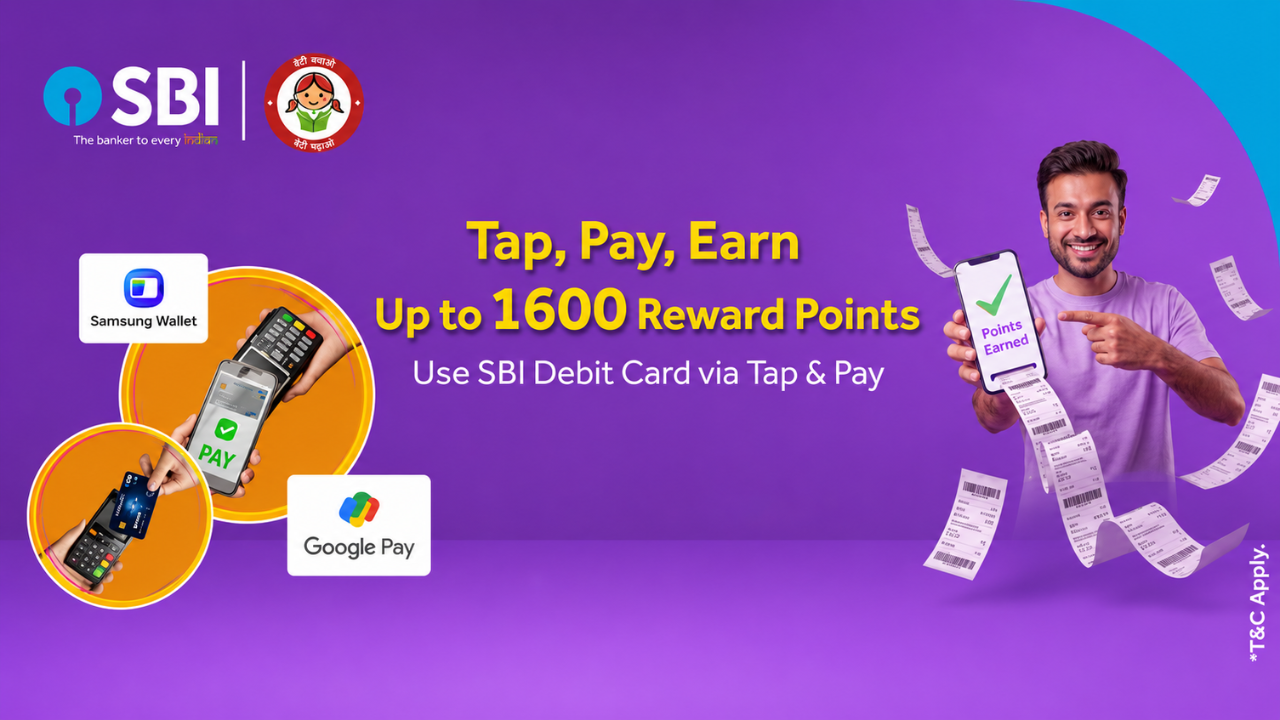
If you hold a State Bank of India (SBI) Debit Card, there is a highly rewarding opportunity to maximize your savings on everyday spends. SBI is currently offering a flat 20% cashback on Tap & Pay transactions, making it one of the most lucrative debit card offers available right now.
How to Avail the Offer
You can seamlessly earn this cashback by completing contactless transactions using any of the following methods:
- Direct NFC Card Tap at POS terminals
- Google Pay (GPay) NFC payments
- Samsung Pay
Understanding the Reward Structure
The cashback is credited in the form of SBI Reward Points, where 4 Reward Points = ₹1. The reward slabs are tiered based on your transaction amount:
💡 The Smart Strategy for Maximum Returns
To extract the absolute highest value from this promotional offer, aim to keep your transaction amounts exactly at the baseline of each slab—specifically ₹500, ₹1,000, or ₹2,000. This ensures you hit the exact threshold required for the reward and secure a strict 20% return on your spending.
Monthly Caps and Earning Potential
- Maximum Monthly Cap: You can earn up to 10,000 Reward Points per month, which translates to a clear ₹2,500 in cashback value.
- Required Spend for Max Cap: By strategically using the transaction slabs mentioned above, you only need to spend ₹12,500 in a month to hit the maximum cap.
To put this earning potential into perspective: if you maximize this offer by spending ₹12,500 each month over a three-month period (for example, throughout May, June, and July), you will accumulate a massive ₹7,500 in total rewards.
Important Details to Note
- Credit Timeline: All bonus reward points earned through this campaign will be credited to your SBI account within 30 days of the transaction.
- Pre-requisites: Ensure your debit card has contactless (NFC) transactions enabled. You can easily manage this setting through the SBI YONO app or SBI internet banking before attempting a Tap & Pay transaction.